Real-Time Walkthrough vs Pre-Rendered Animation for Property Marketing
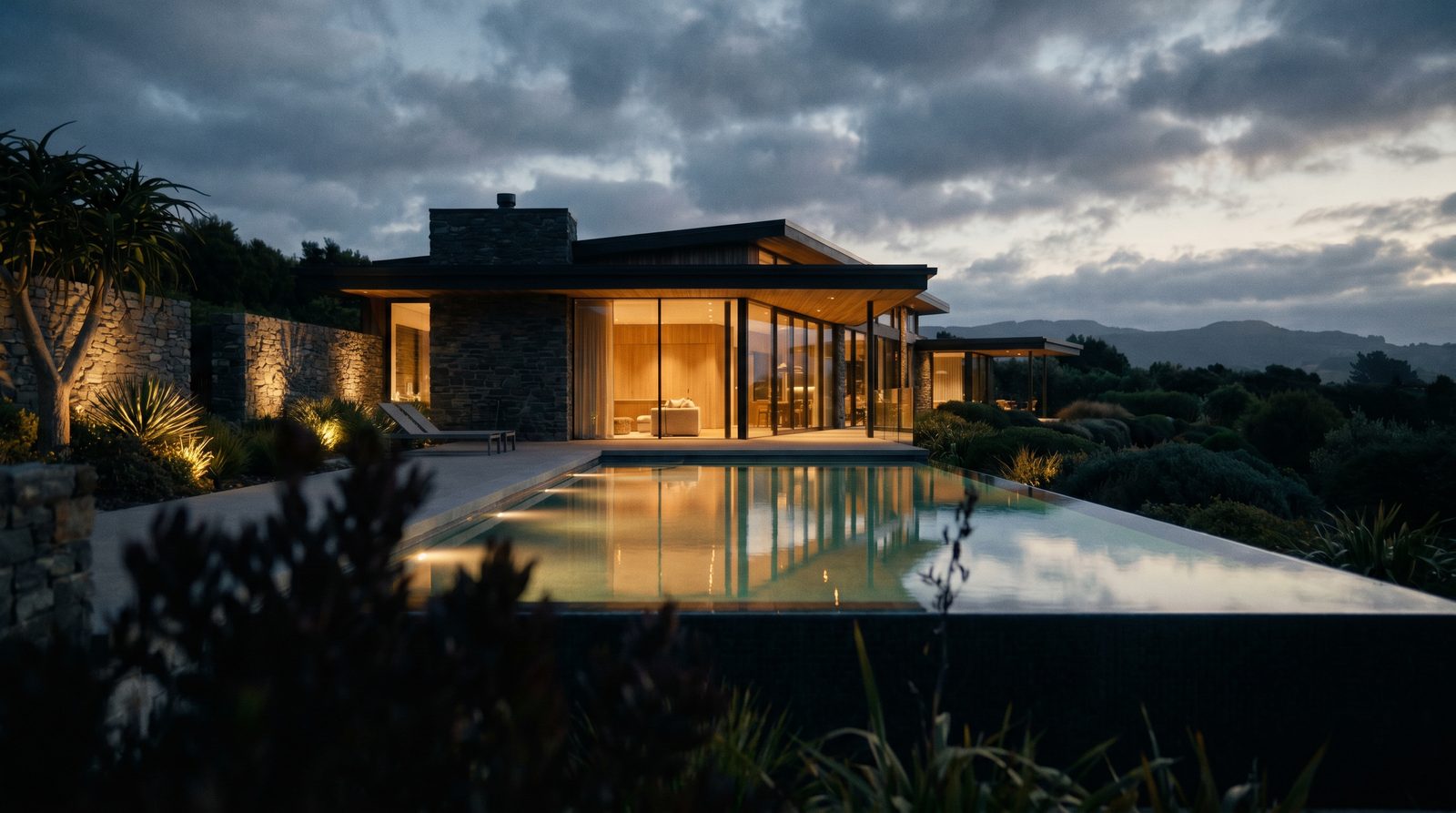
For most property-marketing budgets, a pre-rendered animation is the better default: it delivers cinematic quality, controlled lighting, and a finished film that plays on any device without setup. A real-time walkthrough makes more sense when buyers need to explore a space interactively — changing finishes, moving through rooms freely, or presenting live in a sales suite. The right choice depends on your delivery format, not just your budget.
Ratio Visuals' take: In our experience producing animations for US developers and architects, the projects that regret choosing real-time over pre-rendered are almost always the ones where the end viewer is a passive audience — a website visitor, an investor deck, a social ad. Real-time interactivity only earns its extra production overhead when the viewer is actually in the room with a touchscreen or VR headset. If your buyer is watching a video on their phone, a polished pre-rendered film will outperform an interactive app every time.
What is the difference between a real-time walkthrough and a pre-rendered animation?
A pre-rendered animation is a video file — every frame is computed in advance at maximum quality and exported as an MP4 or similar format. A real-time walkthrough is an interactive application where a 3D engine (such as Unreal Engine or Lumion's viewer) renders frames on the fly as the user navigates. Pre-rendered output is fixed and cinematic; real-time output is interactive and hardware-dependent.
The distinction matters because it affects every downstream decision: how you deliver the asset, what hardware your buyer needs, how long production takes, and what level of photorealism is achievable within your timeline.
- Pre-rendered animation: MP4/MOV file, plays anywhere, maximum photorealism, fixed camera path, no viewer hardware requirement.
- Real-time walkthrough: Interactive app or web build, viewer controls the camera, quality depends on the viewer's GPU, requires more complex delivery and support.
How do the two formats compare on the factors that matter for property marketing?
Pre-rendered animation and real-time walkthroughs differ across six dimensions that directly affect a developer's marketing outcome: visual quality, interactivity, delivery, production time, hardware requirements, and ongoing maintenance.
| Factor | Pre-Rendered Animation | Real-Time Walkthrough |
|---|---|---|
| Visual quality ceiling | Highest — offline rendering with full global illumination, ray tracing, and compositing | Lower ceiling — quality is limited by real-time frame budget and viewer GPU |
| Interactivity | None — fixed camera path and sequence | Full — viewer navigates freely, can trigger finish options or hotspots |
| Delivery format | Video file (MP4/MOV) — plays on any device, embeds in websites, social, and presentations | Executable app, web build (WebGL/WebGPU), or VR headset — requires install or compatible browser |
| Production time | Shorter for a single polished deliverable | Longer — requires scene optimisation, UI/UX build, testing across hardware |
| Viewer hardware requirement | None — any phone, tablet, or laptop plays the video | Mid-to-high-end GPU recommended for smooth frame rates; mobile performance varies |
| Best use case | Website hero, social ads, investor decks, listing portals, TV/OOH | On-site sales suite, VR showroom, finish-selector configurator, trade show |
| Ongoing maintenance | None after delivery — the file is static | Requires updates if the model changes; platform/OS updates can break builds |
| Tools commonly used | 3ds Max, Cinema 4D, V-Ray, Corona, Chaos Vantage, Lumion video export | Unreal Engine (Lumen, Nanite), Lumion real-time viewer, Unity, custom WebGL builds |
What are Unreal Engine and Lumion, and how do they fit into this decision?
Unreal Engine and Lumion are the two platforms most commonly cited when developers ask about real-time walkthroughs for architecture. They serve different audiences and have meaningfully different production profiles — understanding both helps clarify when real-time is a realistic option.
Unreal Engine: highest quality, highest complexity
Unreal Engine is Epic Games' real-time 3D engine, used across games, film, and architectural visualization. As of November 2026, Unreal Engine 5.9 Preview introduces AI-assisted workflows, browser-based builds via WebAssembly/WebGPU (still experimental), and tools like Unreal Canvas and Unreal MCP. The standard license is free to download; Epic charges a 5% royalty on gross product revenue above $1,000,000 USD per product. Custom enterprise licensing is available but prices are not published on the official site.
Unreal's rendering features — Nanite virtualized geometry and Lumen real-time global illumination — produce the closest real-time equivalent to offline photorealism. The trade-off is a steep production overhead: building an Unreal walkthrough for a property requires experienced technical artists, scene optimisation for real-time budgets, and a delivery pipeline that most architecture studios do not maintain in-house.
Lumion: faster for AEC, purpose-built for architecture
Lumion is a real-time rendering and animation tool built specifically for architects and AEC professionals. It integrates directly with Revit, SketchUp, Archicad, and Rhino via LiveSync, allowing geometry and PBR material changes to sync in real time. Lumion 2026 adds ray-traced 360 panoramas, an AI upscaler (2× and 4×), and Lumion Cloud for client review workflows.
Lumion's strength is speed for architects who already model in CAD/BIM — it is not primarily an interactive walkthrough tool for end-buyer delivery. Its video export produces polished animations faster than a full Unreal pipeline, making it a practical middle ground. Pricing: Lumion Pro is reported at approximately $96/user/month billed annually as of November 2026 (per a third-party pricing tracker referencing the official site), though Lumion's own global pages do not always display numeric prices — check lumion.com or contact a reseller for a current quote in your region.
When is a pre-rendered animation the right choice?
A pre-rendered animation is the right choice when your primary distribution channel is digital — a website, a listing portal, a social ad, an investor presentation, or a sales brochure. Because the output is a video file, it plays on any device without installation, embeds in any platform, and requires no support after delivery. For real-estate marketing, this covers the vast majority of use cases.
Pre-rendered output also allows the highest possible visual quality. Offline rendering has no frame-time budget, so the studio can use full-resolution ray tracing, complex global illumination, depth-of-field, and compositing passes that would be impossible in real time. For an exterior rendering or a cinematic interior sequence, this quality gap is visible and meaningful to buyers.
Choose pre-rendered when:
- The deliverable will be embedded on a website or listing portal
- You need the asset to work on mobile without friction
- Cinematic lighting — dusk, golden hour, night — is central to the marketing story
- The project design is finalised and the camera path is agreed
- You need a single polished asset on a defined timeline
When does a real-time walkthrough justify the extra investment?
A real-time walkthrough justifies its additional production cost when the buyer is physically present and actively exploring — in a sales suite, at a trade show, or in a VR showroom. The interactivity has genuine value when it allows a buyer to change finish options, walk through multiple unit types, or experience spatial scale in a way a fixed camera path cannot convey.
It is also worth considering for large mixed-use or masterplan projects where buyers need to understand a complex site layout that a single animation cannot fully communicate. In those cases, an interactive site map or first-person walkthrough gives sales staff a tool that supports live conversations.
Choose real-time when:
- You have a staffed sales suite with dedicated hardware
- Buyers need to select finishes or unit configurations interactively
- VR headsets are part of the sales experience
- The project is a large masterplan where spatial exploration matters
- You have the production budget and timeline for a full interactive build
What drives the cost difference between the two formats?
Pre-rendered animations and real-time walkthroughs have different cost structures, not just different price points. Understanding the drivers helps you scope the right deliverable from the start.
For a pre-rendered animation, cost is driven by scene complexity (number of rooms or exterior views), animation length, lighting complexity (day vs dusk vs night), level of detail in materials and landscaping, and the number of revision rounds. The output is a single file — there is no ongoing cost after delivery.
For a real-time walkthrough, cost is driven by all of the above plus: scene optimisation for real-time frame rates (reducing polygon counts, baking lighting, LOD setup), UI and navigation design, testing across target hardware, and delivery infrastructure (app packaging, web hosting, or VR platform setup). If the design changes after delivery, the interactive build must be updated — a recurring cost that a video file does not carry.
For a project-specific quote on either format, see our contact page — we respond with a shot list, timeline, and proposal within one business day.
Can you get both — a cinematic video and an interactive walkthrough?
Yes, and for larger developments it is often the most effective approach. A pre-rendered animation serves the digital marketing channel — website, social, ads — while a real-time build serves the sales suite. The two assets share the same 3D model and materials, so the incremental cost of producing both from a single source file is lower than commissioning them separately.
In our interior rendering and animation work, we typically recommend starting with the pre-rendered deliverable to lock in the visual direction, then using that approved scene as the basis for any interactive build. This avoids the common mistake of building an interactive experience before the design is stable, which forces expensive re-optimisation every time a finish or layout changes.
Frequently asked questions
Is a real-time walkthrough better than a rendered animation for selling property?
Not automatically. A pre-rendered animation is better for most digital marketing channels — websites, social ads, listing portals — because it plays on any device at maximum quality. A real-time walkthrough is better when buyers are physically present and need to explore interactively. For most developers, the pre-rendered animation delivers higher ROI per dollar spent.
How long does it take to produce a real-time walkthrough vs a rendered animation?
A pre-rendered animation typically has a shorter production timeline for a comparable level of visual quality. A real-time walkthrough requires additional work — scene optimisation, UI build, hardware testing — that adds weeks to the schedule. The exact timeline for either format depends on project complexity, number of spaces, and revision rounds.
Can Lumion produce both animations and real-time walkthroughs?
Lumion is primarily used for video animation export and real-time design review within an architecture workflow. It is not typically used to deliver standalone interactive walkthroughs to end buyers. For buyer-facing interactive experiences, studios generally use Unreal Engine or a dedicated real-time platform with a custom delivery pipeline.
Do buyers actually use real-time walkthroughs, or do they prefer video?
In practice, passive video outperforms interactive apps for remote buyers — most people will not download an app or navigate a 3D environment on their own. Interactive walkthroughs work best when a sales agent is present to guide the experience. For self-serve digital marketing, a well-produced pre-rendered animation consistently outperforms an unguided interactive build.
What should I provide to get a quote for an architectural animation?
To receive a proposal, provide your architectural drawings or 3D model files, a list of spaces or views you want covered, any reference images for style and lighting, and your target delivery date. Ratio Visuals responds with a shot list, timeline, and proposal within one business day. Start at our contact page.
Last updated: November 2026