Architectural Animation: When a Walkthrough Beats a Still Render
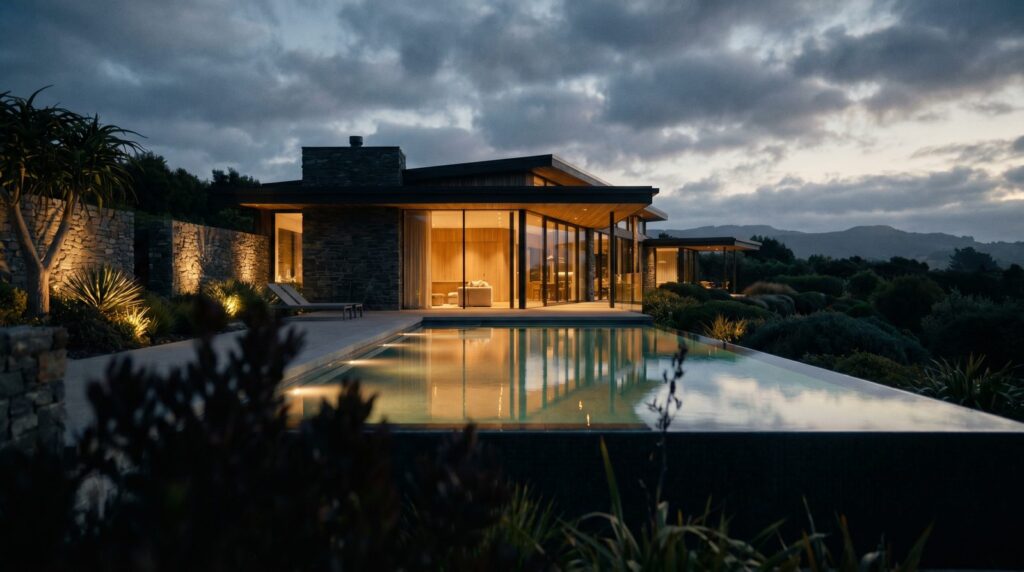
An architectural animation walkthrough is worth the investment when you need to communicate sequence, scale, or spatial flow that a single frame simply cannot convey — think pre-sales campaigns for large mixed-use sites, investor decks where the story of the development matters as much as the numbers, or any project where buyers need to feel the journey from street to lobby to unit. For straightforward single-family listings or early-stage concept approvals, a set of photorealistic still renders almost always delivers a stronger return per dollar spent. The decision comes down to your audience, your timeline, and what action you need them to take.
Still Renders vs. Walkthrough Animation: The Core Difference
A still render is a single frozen moment — one camera angle, one lighting condition, maximum detail. A walkthrough animation is a timed sequence of camera moves through a 3D scene, exported as video. Both are built from the same 3D model, but they serve different cognitive jobs.
Still renders answer the question “What does it look like?” Animation answers “What does it feel like to move through it?” That distinction sounds subtle until you’re trying to sell a 300-unit multifamily tower to an equity partner who has never visited the site.
- Still render: Single frame, high pixel resolution, fastest turnaround, lowest cost, ideal for print and digital ads.
- Walkthrough animation: 24–30 frames per second over 30–120 seconds, communicates sequence and spatial relationships, higher cost and longer production time, ideal for video platforms and presentations.
- Hybrid: Animation with hero still frames extracted — covers both channels from one production run.
When Animation Wins: Investor Decks, Pre-Sales, and Large Sites
There are specific project types where animation consistently justifies its premium over stills alone.
Investor and Lender Presentations
Capital partners review dozens of decks. A 60-second flythrough that moves from site context down to the amenity deck and into a model unit holds attention in a way that a PDF of renders cannot. Animation conveys that the developer has thought through the full experience — that’s a confidence signal.
Pre-Sales and Reservation Campaigns
When you’re selling units before a shovel hits the ground, buyers are purchasing a promise. Animation makes that promise tangible. Walkthrough videos embedded in landing pages, run as social ads, or screened at sales-center kiosks give prospective buyers something to share and return to. For real estate rendering campaigns tied to pre-sale targets, animation is often the centerpiece asset.
Large or Complex Sites
A masterplan with multiple buildings, a resort with pool decks and landscaped paths, a mixed-use block with retail at grade and residential above — these projects have spatial stories that require movement to tell. An aerial flyover followed by a ground-level walkthrough communicates site organization faster than any site plan or series of stills.
High-Competition Markets
In markets where competing developers are already using animation, static-only marketing can look underprepared. Animation has become a baseline expectation at the luxury and mid-rise multifamily tier in most major US metros.
When Static Renders Are the Smarter Buy
Animation is not always the right answer. Here’s when stills win on ROI:
- Single-family custom homes: One or two hero exterior renders plus an interior kitchen shot typically close the sale. A full animation is budget that rarely returns.
- Early-stage design approvals: Planning boards and HOA committees need to see massing and materials — still renders communicate this faster and at a fraction of the cost.
- Tight timelines: A quality exterior render can be delivered in 3–5 business days. A 60-second animation typically takes 3–6 weeks. If your launch date is close, stills are the practical choice.
- Print collateral: Brochures, site signage, and press releases are built around single frames. Animation adds nothing here.
- Budget-constrained projects: If the total visualization budget is limited, investing it in 4–6 premium still renders across key angles produces more usable marketing assets than one short animation.
For a detailed breakdown of what still renders cost and what you get at each tier, see our 3D rendering cost guide.
What Goes Into a 60-Second Architectural Walkthrough
Understanding the production process helps you brief a studio accurately and set realistic expectations.
| Phase | What Happens | Typical Duration |
|---|---|---|
| Model Build / Import | Architect CAD/BIM files converted to render-ready 3D geometry; site context modeled | 3–7 days |
| Materials & Lighting | Finishes, glazing, landscaping, and sky/sun conditions applied and approved via still frames | 3–5 days |
| Camera Path / Storyboard | Sequence of shots planned and reviewed — aerial approach, ground-level walk, interior reveal | 1–2 days |
| Test Render | Low-resolution preview exported for client feedback on pacing and framing | 2–3 days |
| Full Render | Final frames rendered at full resolution (often 1080p or 4K) on a render farm | 5–10 days |
| Post-Production | Color grade, music/sound design, title cards, logo lockup, export to delivery formats | 2–4 days |
Total elapsed time for a 60-second walkthrough: typically 3–6 weeks depending on revision rounds and model complexity. Revisions to camera paths after full rendering begins are expensive — front-load your feedback at the storyboard stage.
Cost Range for Architectural Animation in 2025
Animation pricing varies significantly based on scene complexity, duration, level of detail, and post-production scope. As a general market reference for US studios in 2025:
- Short flyover (15–30 sec, exterior only): $2,500–$6,000
- 60-second exterior + interior walkthrough: $6,000–$15,000
- Full cinematic package (90–120 sec, complex site, post-production): $15,000–$35,000+
- Add-ons: Licensed music, voiceover, motion graphics, and multiple delivery formats each add to the base cost
Compare that to a set of 4–6 photorealistic exterior stills, which typically runs $1,200–$4,500 for the same project. The animation premium is real — which is why matching the asset type to the project stage and audience is so important. See our exterior rendering services for still render options that can be produced in parallel with or instead of animation.
How to Brief a Studio for a Walkthrough Video
A well-prepared brief cuts production time and revision rounds. Bring these to your first call:
- Architectural files: Revit, SketchUp, AutoCAD, or DWG/DXF — the more complete the better. Incomplete models mean modeling fees.
- Materials and finishes schedule: Specify cladding, glazing type, roofing, paving, and landscape intent. Reference images help.
- Shot list or storyboard: Even a rough written sequence (“aerial approach from the south, descend to entry, move through lobby, exit to pool deck”) saves back-and-forth.
- Audience and use case: Is this for an investor deck, a sales center screen, a social ad, or a website hero? Each has different pacing and format requirements.
- Deliverable specs: Duration, aspect ratio (16:9, 9:16 for vertical social, 1:1), resolution (1080p vs. 4K), and file format (MP4, MOV).
- Brand assets: Logo, color palette, any required title cards or legal disclaimers.
- Timeline and hard deadlines: If you have a capital raise presentation on a fixed date, say so upfront.
Ready to scope a project? Contact Ratio Visuals with your files and we’ll provide a production estimate within one business day.
Combining Animation and Stills for Maximum Marketing Impact
The most efficient approach for mid-size to large projects is a combined production run. Because the 3D model, materials, and lighting are built once, extracting hero still frames from the animation scene costs a fraction of commissioning them separately. This gives you:
- A 60-second walkthrough video for presentations and social
- 4–8 photorealistic still renders for print, listings, and ads — pulled from the same scene
- Aerial stills from the flyover camera path
- Optional short-form cuts (15-second social clips) from the full animation
Bundling this way typically costs 20–35% less than ordering animation and stills as separate projects. For developers running a full pre-sales campaign, it’s the standard approach. Explore the full scope of what’s possible on our exterior rendering services page or review our real estate rendering packages.
Frequently Asked Questions
How long does a typical architectural animation walkthrough take to produce?
A 60-second exterior and interior walkthrough typically takes 3–6 weeks from receipt of complete architectural files to final delivery. Simple exterior flythroughs with minimal interior content can be completed in 2–3 weeks. Complex sites with detailed landscaping, multiple buildings, and full post-production can run 6–8 weeks. The single biggest variable is how quickly clients provide feedback at the storyboard and test-render stages.
Can I get still renders and animation from the same project files?
Yes, and this is the most cost-effective approach. Once a 3D scene is built and lit for animation, high-resolution still frames can be rendered from the same model at a significantly reduced marginal cost. Most studios — including Ratio Visuals — offer bundled pricing for combined animation and still render packages.
What file formats do I need to provide to start an animation project?
Revit (.rvt), SketchUp (.skp), AutoCAD (.dwg/.dxf), and ArchiCAD (.pln) files are all workable starting points. The more complete the geometry and the more detailed the materials schedule, the less modeling time the studio needs to bill. Reference images for finishes, site photos, and a written or sketched shot list will all accelerate the process.
Is architectural animation worth it for a small residential project?
Rarely. For a single custom home or a small infill project, a set of 2–4 photorealistic still renders covers every marketing channel — website, MLS, social, and print — at a fraction of the animation cost. Animation starts delivering clear ROI at the scale of multifamily, mixed-use, resort, or commercial projects where spatial storytelling and investor-grade presentations are required.
What’s the difference between a flyover and a walkthrough animation?
A flyover is an aerial or elevated camera path — typically used to establish site context, show building massing, or reveal a masterplan. A walkthrough is a ground-level or pedestrian-height camera path that moves through spaces the way a person would experience them. Most full-length animations combine both: an aerial approach that descends into a ground-level walkthrough, giving viewers both the macro context and the human-scale experience.